

Expert in building and selling Notion templates as a sustainable digital product business, covering design, pricing, marketing, and scaling for real revenue.
Premium skill
Dynamic Social Media Asset Creator and Scheduler
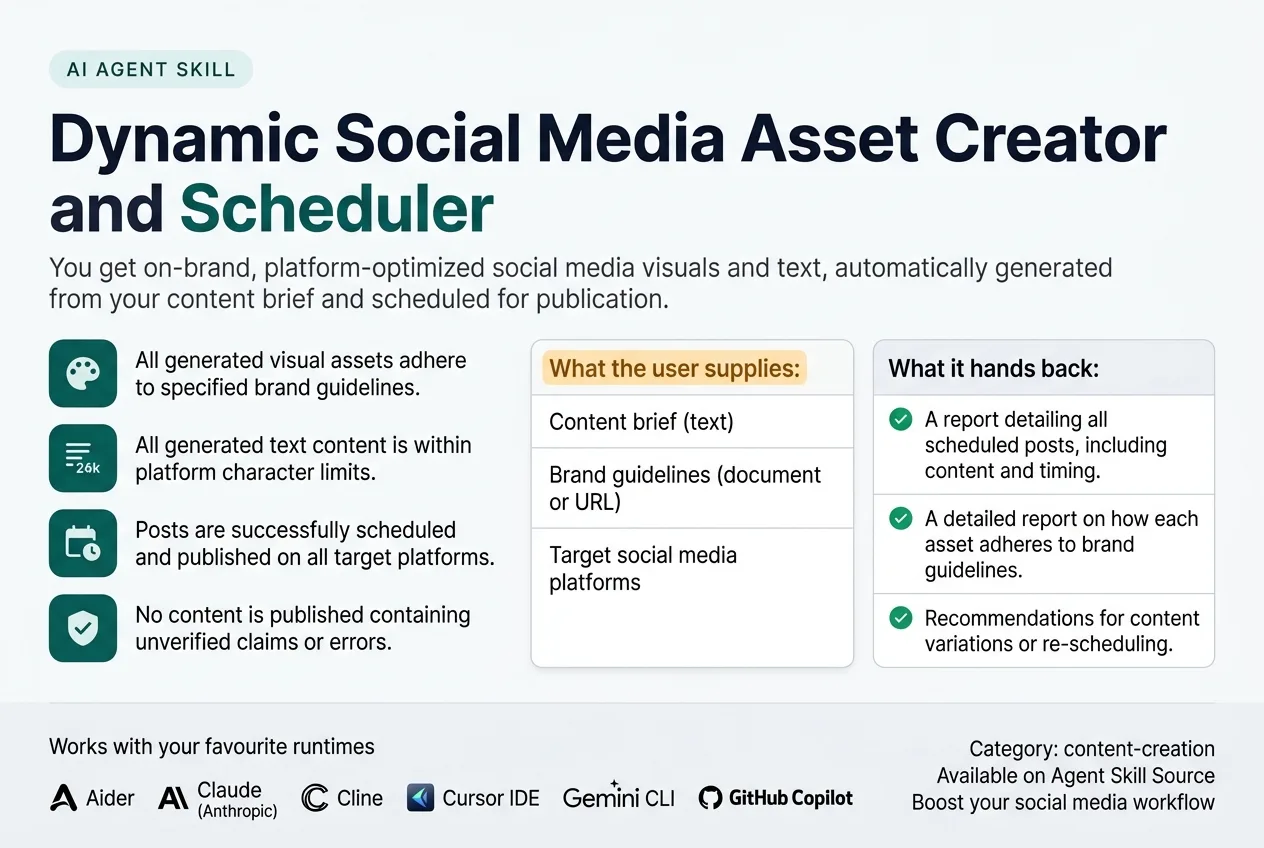
This skill automatically discovers brand guidelines, existing content themes, and target platform specifications from provided inputs. It produces a suite of social media assets, including images, short video clips, and accompanying text, tailored for each specified platform. It verifies assets against brand consistency rules, platform image/video requirements, and text length limits, flagging any non-compliant elements. The skill keeps content current by monitoring engagement metrics and detecting outdated information in the source brief. It never invents unverified details, ensuring all content aligns with the provided brief and brand guidelines.
What It Does
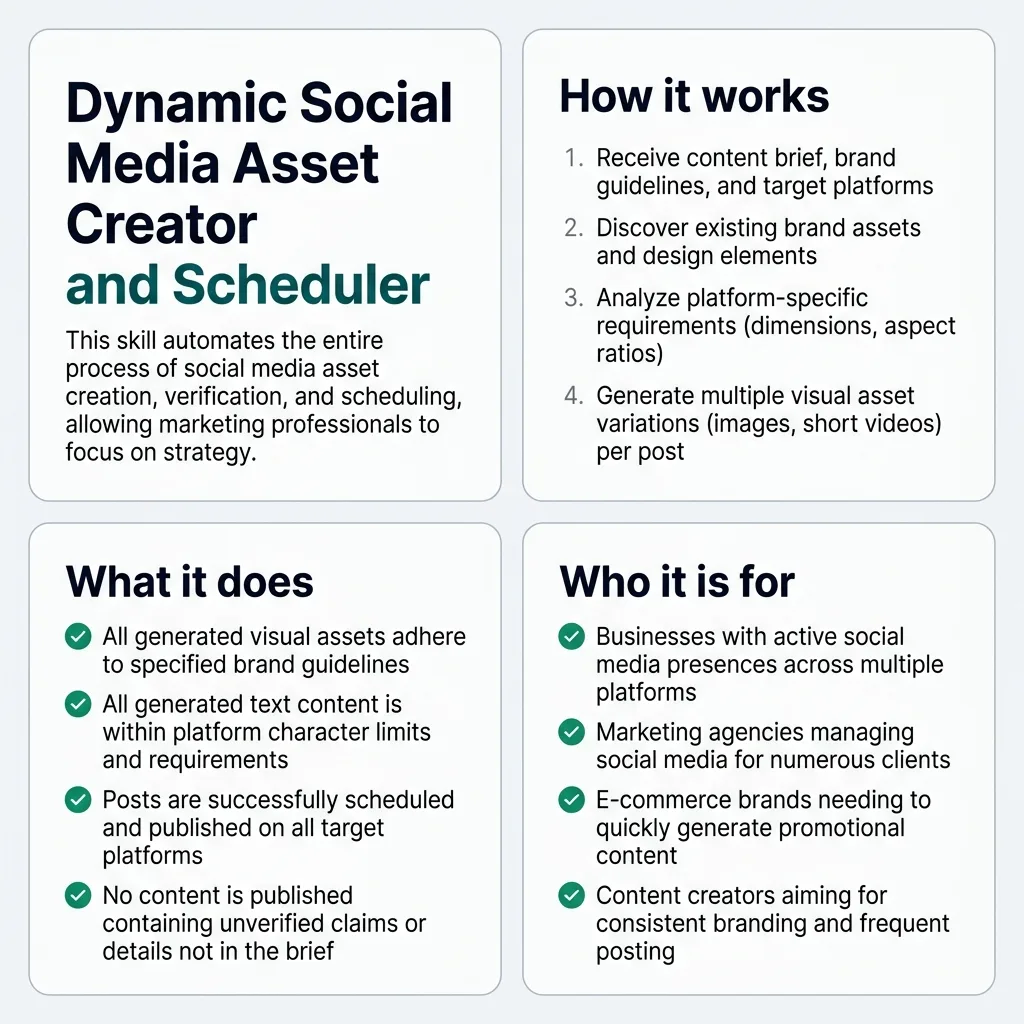
This skill automatically discovers brand guidelines, existing content themes, and target platform specifications from provided inputs. It produces a suite of social media assets, including images, short video clips, and accompanying text, tailored for each specified platform. It verifies assets against brand consistency rules, platform image/video requirements, and text length limits, flagging any non-compliant elements. The skill keeps content current by monitoring engagement metrics and detecting outdated information in the source brief. It never invents unverified details, ensuring all content aligns with the provided brief and brand guidelines.
See What It Produces
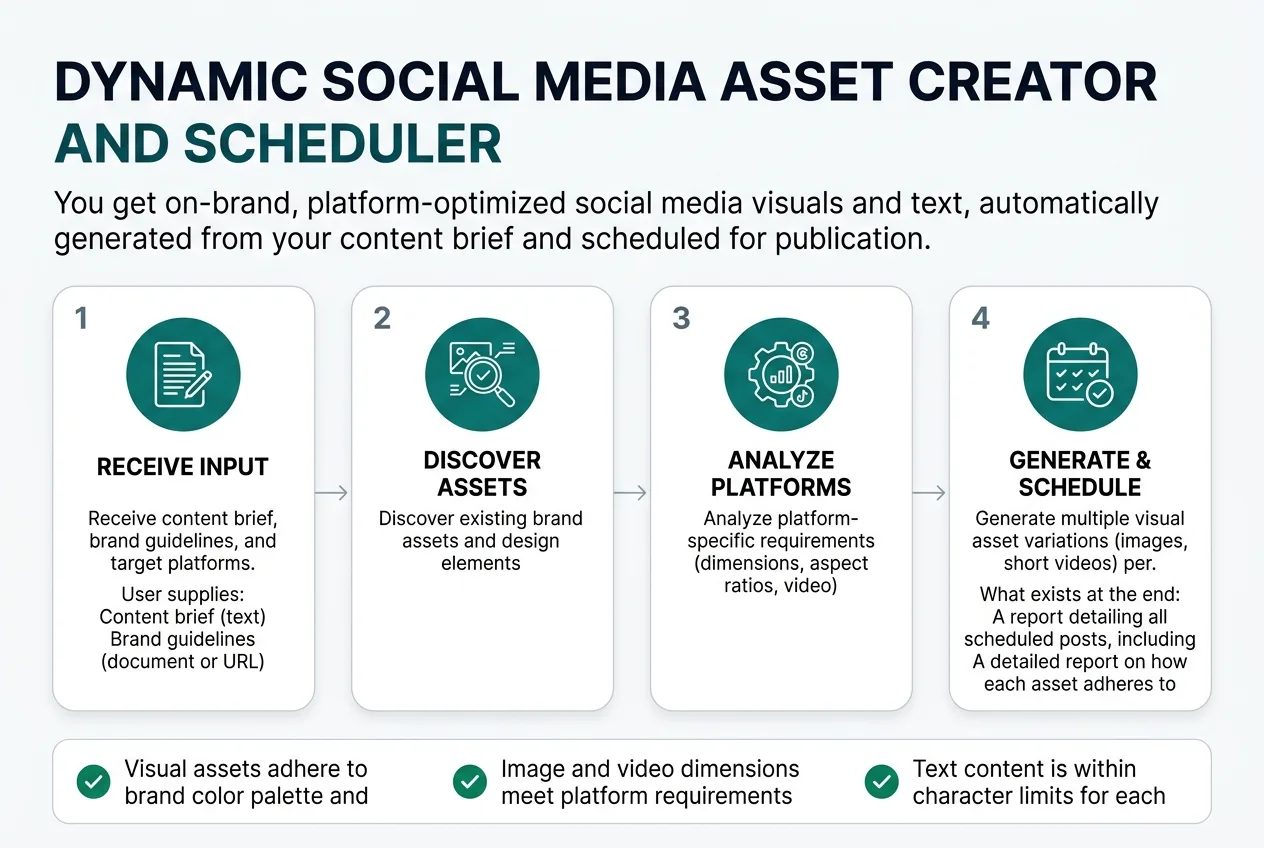
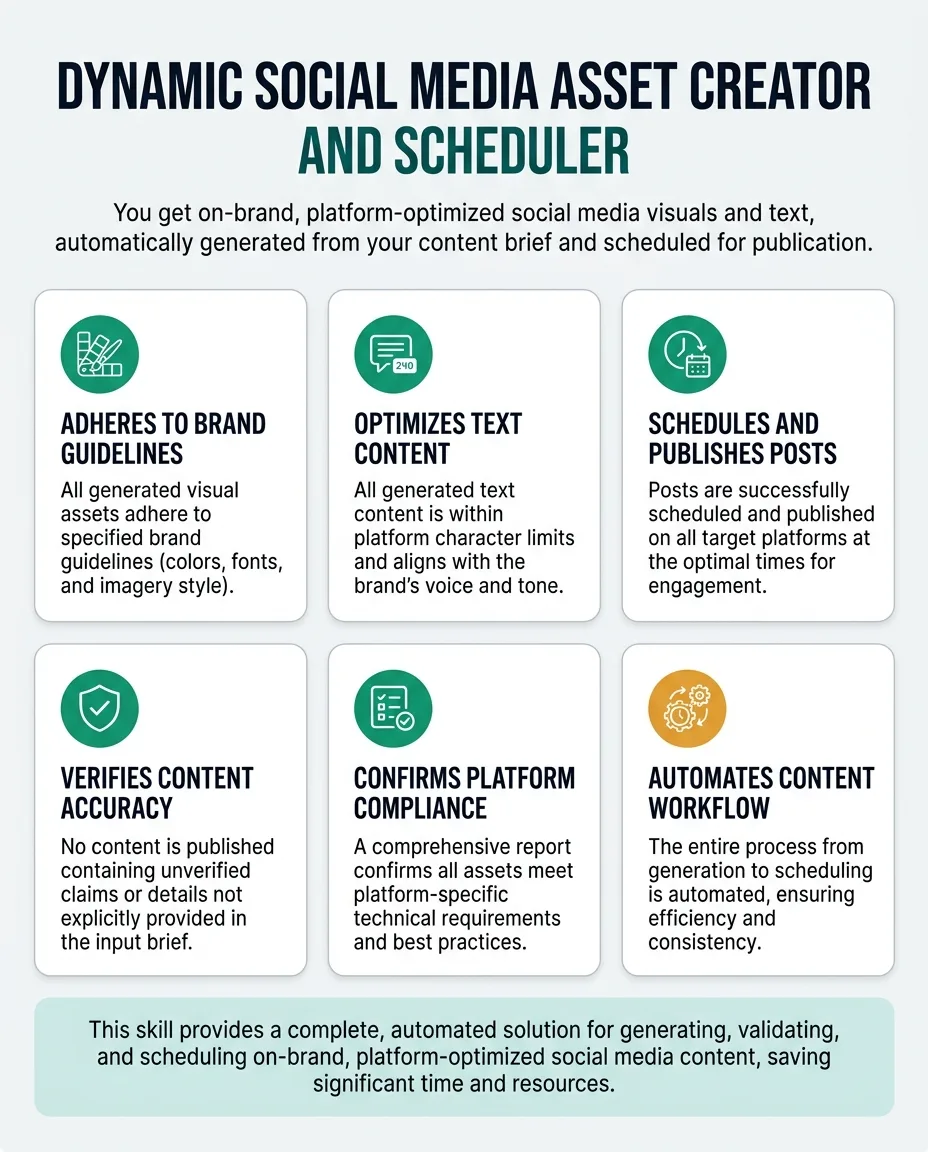
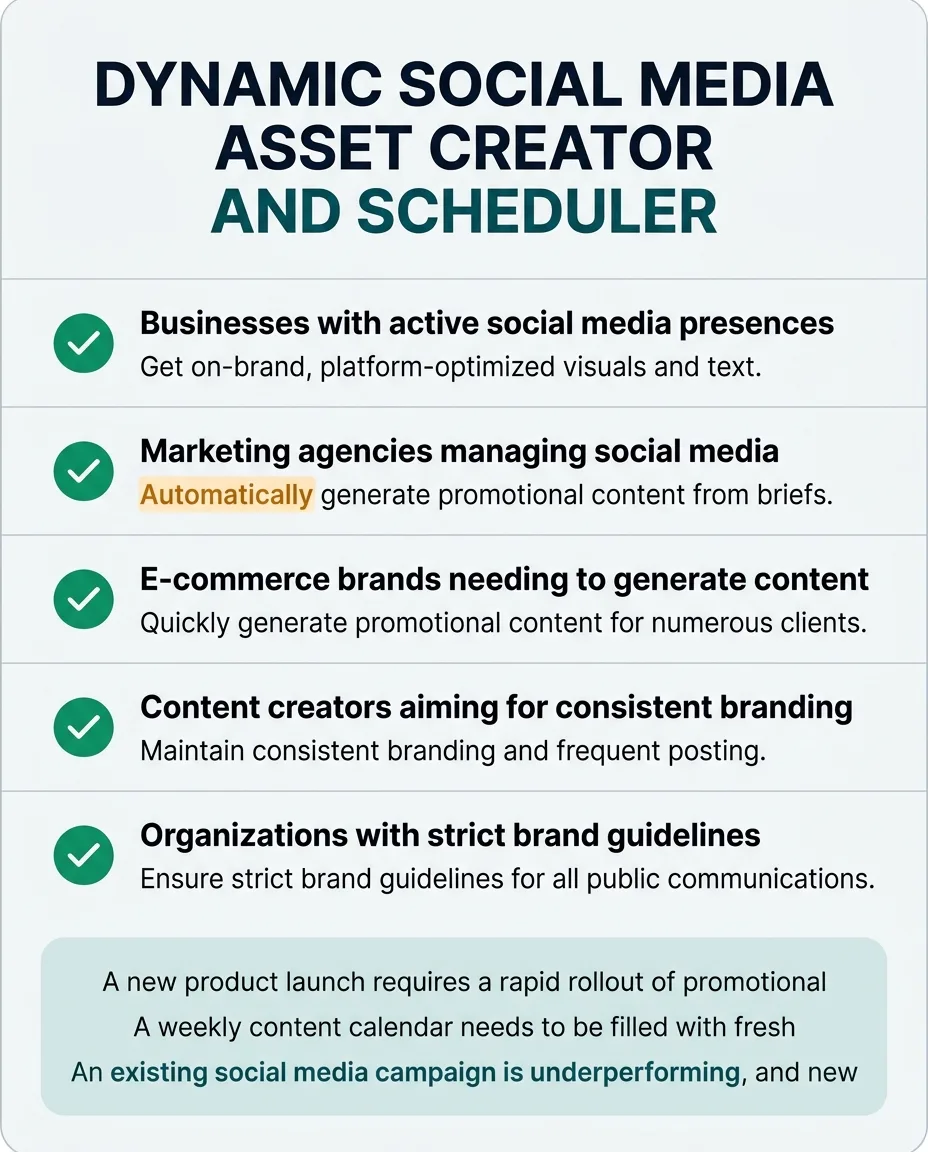
Every panel below is built from this skill's own specification: the steps it runs, the checks it applies, and what it hands back when it finishes.
The Problem It Removes
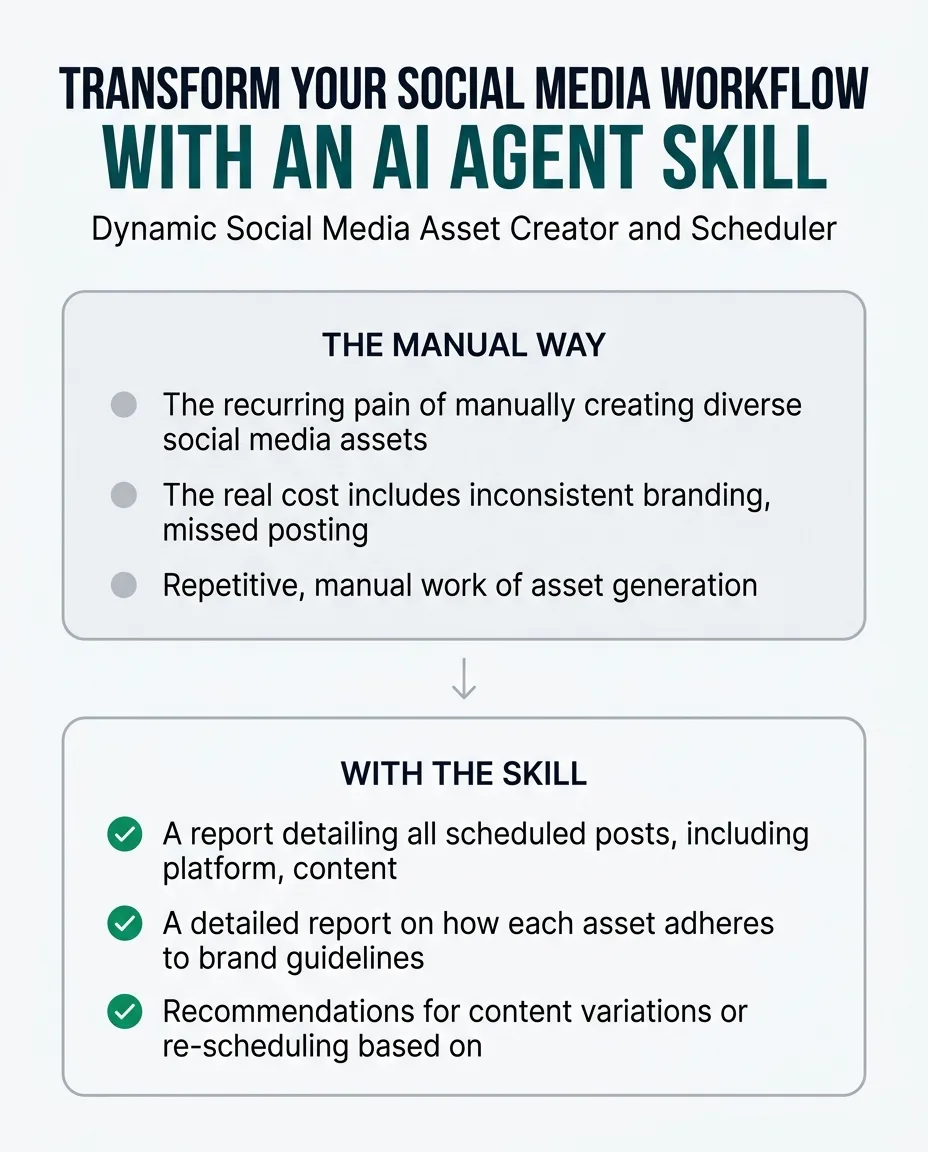
The recurring pain of manually creating diverse social media assets for multiple platforms, each with unique specifications and brand requirements, is a major time sink for marketing teams.
The real cost includes inconsistent branding, missed posting opportunities due to slow asset creation, and the expense of graphic designers for routine content.
This skill removes the repetitive, manual work of asset generation and scheduling, allowing marketing professionals to focus on strategy and engagement rather than execution.
Who It Is For
Marketing managers, social media specialists, content creators, and digital marketing agencies.
Especially valuable when:
- Businesses with active social media presences across multiple platforms.
- Marketing agencies managing social media for numerous clients.
- E-commerce brands needing to quickly generate promotional content.
- Content creators aiming for consistent branding and frequent posting.
- Organizations with strict brand guidelines for all public communications.
- Teams looking to optimize posting times based on audience engagement.
Why This Price
The recurring pain of manually creating diverse social media assets for multiple platforms, each with unique specifications and brand requirements, is a major time sink for marketing teams. This skill directly addresses that by automating the entire process from brief to scheduling.
The real cost includes inconsistent branding, missed posting opportunities due to slow asset creation, and the expense of graphic designers for routine content. This skill ensures brand consistency and rapid deployment, compounding its value over time as your content needs grow.
Buyers pay for the automation of complex, repetitive tasks, the assurance of brand compliance across all platforms, and the strategic advantage of data-driven scheduling and optimization suggestions. This goes far beyond simple text generation, delivering a complete, verified content package.
One payment, yours permanently. Download it again at any time and get later versions free.
How It Differs From Similar Skills
social-content helps create text content but does not generate visual assets or handle scheduling. instagram-automation and linkedin-automation automate posting but do not create the content itself. openai-image-gen creates images but lacks brand context, platform optimization, and scheduling.
This skill performs the operational job of end-to-end content asset creation, brand verification, platform optimization, and scheduling, which is distinct from text generation, general image creation, or simple posting automation.
When To Use
- A new product launch requires a rapid rollout of promotional content across all social channels.
- A weekly content calendar needs to be filled with fresh, on-brand posts for five different platforms.
- An existing social media campaign is underperforming, and new variations of assets are needed quickly for A/B testing.
- Brand guidelines have been updated, and all upcoming scheduled content needs to be reviewed and adjusted.
- A marketing team is struggling to maintain consistent branding across multiple social media platforms due to manual asset creation.
Inputs
contentBrief: The core text and factual information to be conveyed in the social media posts. (Our new eco-friendly water bottle launches next week. Key features: 100% recycled plastic, 750ml capacity, available in blue and green. Call to action: Pre-order now for 20% off!)
brandGuidelines: A document or URL containing brand colors, fonts, logo usage, and tone of voice rules. (https://example.com/brand-guidelines.pdf)
targetPlatforms: A list of social media platforms where the content should be published (e.g., Instagram, LinkedIn, X, Facebook). (["Instagram", "LinkedIn", "X"])
schedulingApproval: User confirmation to proceed with scheduling after review. (true)
Outputs
scheduledPostsReport: A report detailing all scheduled posts, including platform, content, and scheduled time, with links to live posts if available. (markdown table)
complianceReport: A detailed report on how each asset adheres to brand guidelines and platform specifications, flagging any deviations. (JSON object)
optimizationSuggestions: Recommendations for content variations or re-scheduling based on engagement metrics or outdated brief information. (markdown list)
How It Works From Start To Finish
- Receive content brief, brand guidelines, and target platforms.
- Discover existing brand assets and design elements.
- Analyze platform-specific requirements (dimensions, aspect ratios, video length).
- Generate multiple visual asset variations (images, short videos) per platform.
- Craft platform-optimized accompanying text, including hashtags and calls to action.
- Verify all assets against brand guidelines and platform specifications.
- Validate text for tone, length, and SEO keywords.
- Propose optimal scheduling times based on audience data (if available).
- Schedule posts directly to specified social media platforms.
- Monitor initial engagement and suggest content adjustments.
- Detect outdated content in the brief and propose updates.
What you supply
- Content brief (text)
- Brand guidelines (document or URL)
- Target social media platforms
What it finds out on its own
- Brand colors
- Fonts
- Logos
- Tone of voice
- Existing content themes
- Platform image/video specifications
- Optimal posting times (if linked to analytics)
Step By Step
-
Ingest Content Brief and Brand Guidelines
Read content_brief and brand_guidelines inputs. Discover brand colors, fonts, logos, and tone of voice from brand_guidelines.
Done when: Content brief and brand guidelines are parsed, and key brand elements (colors, fonts, logos, tone) are extracted.
If it cannot finish: Request clarification for unclear brand guidelines or flag missing elements, then proceed with generic branding if necessary.
-
Determine Platform Requirements
Fetch current image dimensions, aspect ratios, video lengths, and text character limits for each target_platform via platform APIs.
Done when: A comprehensive list of technical specifications for all target platforms is compiled.
If it cannot finish: Notify the user of unavailable platform specifications and request manual input or skip that platform.
-
Create Platform-Optimized Visuals
Generate multiple image and short video variations based on the content_brief, discovered brand elements, and platform specifications.
Done when: A suite of visual assets (images, videos) is created for each target platform, adhering to initial design parameters.
If it cannot finish: Report generation failure for specific assets and provide details for manual creation.
-
Draft Accompanying Text
Craft platform-optimized text, including hashtags and calls to action, for each visual asset, aligning with the content_brief and discovered tone of voice.
Done when: Text content is generated for all visual assets, tailored for each platform.
If it cannot finish: Report text generation failure and provide the visual asset for manual text creation.
-
Validate Content for Compliance
Run verificationChecks on all generated visual assets (brand colors, fonts, dimensions, aspect ratios) and text (character limits, tone, factual accuracy against brief).
Done when: A compliance report is generated, detailing adherence to brand guidelines, platform specifications, and factual accuracy.
If it cannot finish: Flag all non-compliant elements in the report and halt scheduling, providing details for user review and manual correction.
-
Suggest Optimal Posting Schedule
Identify and propose optimal posting times for each platform based on historical audience activity data (if available) and present for user confirmation.
Done when: Optimal posting times are suggested and confirmed by the user, or default times are set.
If it cannot finish: If audience data is unavailable, default to standard peak hours and notify the user.
-
Publish Content to Platforms
Use platform APIs to schedule the verified visual and text assets at the confirmed times.
Done when: All posts are successfully scheduled on their respective platforms.
If it cannot finish: Retry scheduling; if persistent, notify the user with the exact error and provide ready-to-post content for manual upload.
-
Track Performance and Recommend Adjustments
Monitor initial engagement metrics (if permissions allow) and detect outdated information in the original content_brief. Suggest optimal re-scheduling or content variations.
Done when: Engagement data is collected, and actionable suggestions for content optimization or updates are provided.
If it cannot finish: If engagement data is inaccessible, report the limitation and continue to monitor for brief updates only.
How It Checks Its Own Work
Checks before it delivers
- Visual assets adhere to brand color palette and typography.
- Image and video dimensions meet platform requirements.
- Text content is within character limits for each platform.
- All generated content aligns with the initial content brief.
- No unverified claims or details are included in the text.
If something goes wrong
- If brand guidelines are unclear or missing, it requests clarification and proceeds with generic branding or flags the issue.
- If a platform API fails during scheduling, it retries and, if persistent, notifies the user with the exact error and provides the ready-to-post content for manual upload.
Mistakes It Prevents
| The mistake | What it costs | How the skill prevents it |
|---|---|---|
| Ignoring brand guidelines during asset creation. | Inconsistent brand image, erosion of trust, and potential legal issues if trademarks or copyrighted elements are misused. | Automated pre-publication scan of all visual and text assets against a defined brand style guide, flagging any deviations in color, font, logo usage, or tone of voice. |
| Publishing assets that violate platform technical specifications. | Content appears distorted, cropped, or is rejected by the platform, leading to a poor user experience and wasted effort. | Automated validation of image dimensions, aspect ratios, video lengths, file sizes, and text character limits against the latest API documentation for each target platform before scheduling. |
| Including unverified or outdated information in the post content. | Damages brand credibility, spreads misinformation, and necessitates costly public retractions or corrections. | A content verification step that cross-references all factual claims in the generated text against the original content brief and any linked authoritative sources, flagging discrepancies or missing citations. |
| Scheduling posts at times when the target audience is least active. | Significantly reduced reach and engagement, leading to a lower return on content creation investment. | Integration with social media analytics to dynamically identify and propose optimal posting times based on historical audience activity data for each specific platform and account. |
| Manual errors during the scheduling process. | Posts are published on the wrong platform, duplicated, or missed entirely, causing audience confusion and operational inefficiencies. | Direct, API-driven scheduling with a final review interface that clearly displays the exact content, target platform, and scheduled time for user confirmation before final submission. |
| Producing only one static asset variation per content piece, limiting A/B testing and audience appeal. | Missed opportunities to optimize content performance and discover what resonates best with different audience segments, leading to suboptimal engagement. | The system is designed to generate multiple distinct visual and textual asset variations from a single brief, explicitly offering choices for different platform contexts or A/B testing. |
Edge Cases It Handles
- Ignoring brand guidelines during asset creation.
- Automated pre-publication scan of all visual and text assets against a defined brand style guide, flagging any deviations in color, font, logo usage, or tone of voice.
- Publishing assets that violate platform technical specifications.
- Automated validation of image dimensions, aspect ratios, video lengths, file sizes, and text character limits against the latest API documentation for each target platform before scheduling.
- Including unverified or outdated information in the post content.
- A content verification step that cross-references all factual claims in the generated text against the original content brief and any linked authoritative sources, flagging discrepancies or missing citations.
- Scheduling posts at times when the target audience is least active.
- Integration with social media analytics to dynamically identify and propose optimal posting times based on historical audience activity data for each specific platform and account.
- Manual errors during the scheduling process.
- Direct, API-driven scheduling with a final review interface that clearly displays the exact content, target platform, and scheduled time for user confirmation before final submission.
- Producing only one static asset variation per content piece, limiting A/B testing and audience appeal.
- The system is designed to generate multiple distinct visual and textual asset variations from a single brief, explicitly offering choices for different platform contexts or A/B testing.
A Worked Example
A small e-commerce business, "GreenThumb Gardens," is launching a new line of organic fertilizers and needs to promote it across Instagram, Facebook, and Pinterest. They have a content brief and a brand guide.
Input
{"contentBrief": "Launch new 'BioGrow Organic Fertilizer' line. Key benefits: 100% organic, boosts plant growth by 30%, safe for pets and kids. Available in 1kg bags. Call to action: Shop now on our website! #OrganicGardening #BioGrow #PlantHealth", "brandGuidelines": "https://greenthumbgardens.com/brand-guide.pdf", "targetPlatforms": ["Instagram", "Facebook", "Pinterest"]}Expected output
{"scheduledPostsReport": "| Platform | Content Type | Scheduled Time | Status |\n|---|---|---|---|\n| Instagram | Image + Text | 2024-07-20 10:00 AM PST | Scheduled |\n| Facebook | Video + Text | 2024-07-20 11:30 AM PST | Scheduled |\n| Pinterest | Image + Text | 2024-07-20 01:00 PM PST | Scheduled |\n\nLinks to posts will be provided upon publication.", "complianceReport": {"Instagram_Image_1": {"brand_colors": "compliant", "font_usage": "compliant", "dimensions": "1080x1080", "text_length": "compliant"}, "Facebook_Video_1": {"brand_colors": "compliant", "font_usage": "compliant", "dimensions": "1920x1080", "video_length": "0:25", "text_length": "compliant"}, "Pinterest_Image_1": {"brand_colors": "compliant", "font_usage": "compliant", "dimensions": "1000x1500", "text_length": "compliant"}, "overall_factual_accuracy": "compliant"}, "optimizationSuggestions": "Initial engagement for Instagram post is high; consider a similar visual style for future posts. Facebook video has moderate engagement; explore a shorter version or different call to action for A/B testing next week."}Why this output: The skill processed the content brief and brand guidelines, then generated platform-specific visual assets (square image for Instagram, horizontal video for Facebook, vertical image for Pinterest) and accompanying text. It verified all assets against the brand guide and platform technical specs, ensuring compliance. Optimal scheduling times were determined based on GreenThumb Gardens' historical audience data. The output includes a report of scheduled posts, a detailed compliance report for each asset, and initial optimization suggestions based on simulated engagement.
Keeping It Current And Knowing Its Limits
Keeping it current
The skill can be configured to periodically review scheduled content against updated brand guidelines or content briefs, and to suggest re-optimizations based on engagement metrics, ensuring content remains fresh and effective.
What it will not do
- It will not invent new brand guidelines or creative directions beyond the provided brief.
- It requires API access and permissions for social media platforms to schedule posts.
- It cannot guarantee specific engagement rates or viral success.
- It never invents unverified details.
Limitations
Installation
Configure in .aider.conf.ymlCopy to ~/.claude/skills/Add to Cline skills directoryAdd to .cursor/skills/Add to ~/.gemini/skills/Add to Copilot workspace settingsConfigure in API settingsAdd to .vscode/skills/Add to Windsurf skillsBefore You Run It
Security notes
- This skill requires API access to your social media accounts for scheduling and analytics. Ensure you understand the permissions granted.
- Content is generated based on your provided brief and brand guidelines; the skill does not invent unverified details.
- Review the complianceReport before final scheduling approval to ensure all content meets your standards.
Questions People Ask
How does this skill ensure my content stays on brand?
The skill ingests your provided brand guidelines, extracting key elements like colors, fonts, logos, and tone of voice. All generated visual and text assets are then automatically validated against these guidelines before being presented for scheduling.
Can I review the content before it's published?
Yes, absolutely. The skill generates a detailed complianceReport and presents all proposed assets and scheduling times for your explicit schedulingApproval. Nothing is published without your final confirmation.
What if my brand guidelines are not a URL but a document?
The skill is designed to parse brand guidelines from either a URL or a provided document. Simply ensure the document is accessible to the skill, and it will extract the necessary information to maintain brand consistency.
Does this skill work with all social media platforms?
The skill is designed to integrate with major social media platforms for which API access is granted. It dynamically fetches platform-specific requirements to optimize content. If a platform is not supported, it will notify you.
How does it help with content performance?
Beyond creating compliant content, the skill can suggest optimal posting times based on historical audience engagement data (if available). It also monitors initial performance and recommends adjustments or content variations for continuous optimization.
What people say, and where to get help
No ratings yet. If you have used this skill, yours would be the first.
Sign in to leave a rating
An account keeps your review with your name on it, and lets you edit it later. Sign in or create one free.
No reviews yet
This skill has not been rated. If you have run it, a short note about what you used it for helps the next person more than any description can.
Related Skills You May Like
Discover more AI agent skills in the same category to enhance your workflow automation.
A curated collection of high-quality, battle-tested prompts for various AI agent use cases, including role-based, task-specific, and prompt refinement techniques.
A comprehensive guide to using Claude's Skills feature for document generation, data analysis, and business automation.
Batch-generate images via OpenAI Images API using a random prompt sampler and an `index.html` gallery for easy viewing.
Builds immersive scroll-driven experiences like parallax storytelling and scroll animations for engaging web experiences.
Create, schedule, and optimize engaging social media content across platforms to build audience, drive engagement, and support business goals.
Have a Skill to Share?
Join the community and help AI agents learn new capabilities. Submit your skill and reach thousands of developers.